You shouldn’t have to pay a subscription to feel safe in your own home. Here’s how to build a complete security system that protects your property, your family, and your privacy—without a single recurring charge.
The Subscription Trap: Why Home Security Got So Expensive
A decade ago, home security meant a wired system installed by a technician, monitored by a central station, and billed monthly. That model made sense when sensors required physical wiring and monitoring required human operators sitting at desks.
Today, sensors are wireless, cameras are internet-connected, and your phone can receive alerts instantly. Yet the subscription model persists—and has expanded. Many popular security brands now charge monthly fees for features that cost them nothing to provide: viewing your own camera footage, receiving motion alerts, or storing video for more than 24 hours.
A basic Ring Alarm system costs $200 upfront, then $4–$20 per month for monitoring and cloud storage. SimpliSafe starts at $244 for equipment, then $29.99 monthly for professional monitoring. Over five years, that’s $1,800–$2,000 for a system you could largely replicate yourself.
This guide is for people who want security without the ongoing drain. Every device here works permanently after purchase. No monthly fees. No cloud subscriptions. No feature paywalls. You own your security, and nobody can take it away by raising prices.
What “No Monthly Fees” Actually Means
Before diving into the gadgets, let’s clarify what you’re getting and what you’re giving up.
You keep: All core security functions—motion detection, door/window sensors, cameras, local recording, smartphone alerts, sirens, and automation.
You give up: Professional monitoring (where a dispatch center calls emergency services for you). If you want a human to verify break-ins and call 911, that requires a subscription with virtually every provider. The alternative is self-monitoring—you receive the alert, you verify via camera, you call 911 yourself. For most people, this is adequate and far more affordable.
You keep: Privacy. Local storage means your footage stays in your home, not on a company’s servers. No data mining. No risk of cloud breaches exposing your family’s private moments.
1. Video Doorbells That Store Locally and See Everything
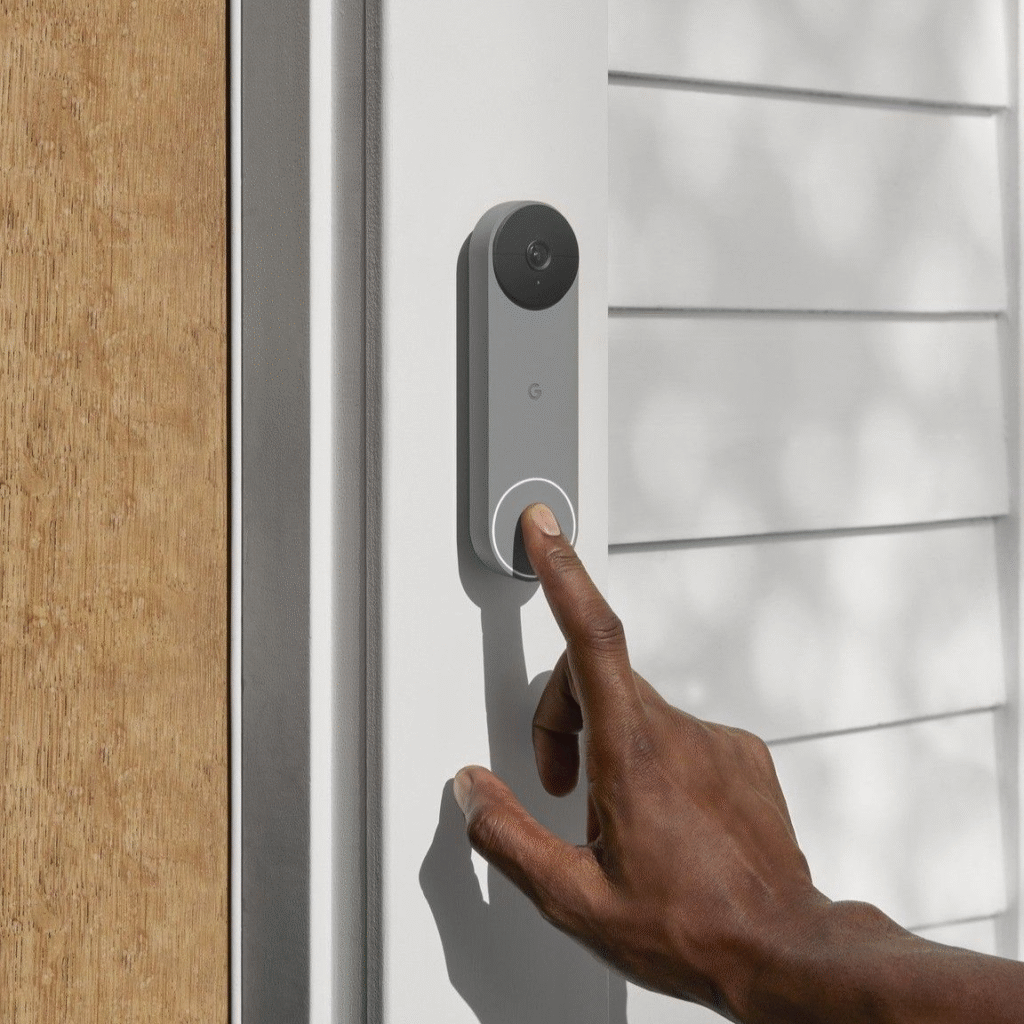
Your front door is the most common entry point for burglars. A video doorbell is your first line of defense—it records everyone who approaches, deters package thieves, and lets you verify visitors before opening the door.
Most popular doorbells (Ring, Nest) require subscriptions to view recorded footage. These alternatives don’t.
The Eufy Video Doorbell Dual features two cameras: one facing forward for visitors, one angled downward to watch for packages. It stores all footage on a HomeBase hub inside your home with 16GB of built-in storage (expandable). You get 2K resolution, person detection, and two-way audio without ever paying a subscription. Battery-powered or wired options available.
The Amcrest AD410 is a wired doorbell with 4MP resolution, continuous local recording to a microSD card, and ONVIF compatibility—meaning it works with any standard network video recorder (NVR) or home automation system. No cloud required. No app lock-in.
What to look for: local storage via microSD card, NVR, or included hub. Avoid any doorbell that says “cloud recording included for 30 days”—that’s a subscription waiting to happen.
Real impact: Video doorbells reduce front-door burglary attempts by up to 50% simply by being visible. The presence of a camera changes criminal behavior.
2. Security Cameras That Record to Your Own Hardware
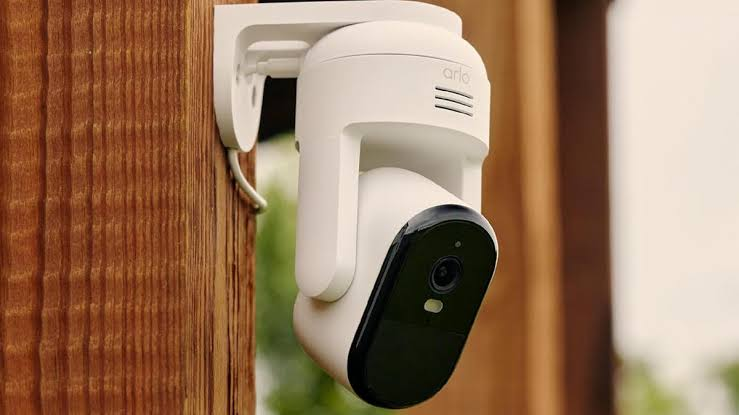
Indoor and outdoor cameras are the eyes of your security system. The key is keeping those eyes under your control.
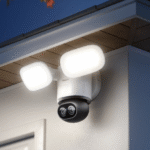
The Reolink RLC-810A is a PoE (Power over Ethernet) outdoor camera with 4K resolution, person/vehicle detection, and continuous recording to a Reolink NVR or any ONVIF-compatible system. It has color night vision, weatherproofing, and two-way audio. One camera, one cable, no WiFi congestion, no cloud dependency.
The Amcrest 4MP ProHD indoor camera records to microSD (up to 256GB), supports ONVIF for NVR integration, and offers pan-tilt-zoom control. It has no mandatory cloud service—you can use it entirely locally.
The Tapo C210 by TP-Link is a budget-friendly indoor camera with 2K resolution, motion tracking, and local microSD recording. It also supports RTSP streaming to any NVR or home server. At under $30, it’s the cheapest way to add a reliable indoor camera.
What to look for: ONVIF support and RTSP streaming. These are open standards that guarantee the camera works with any local recording system, now and in the future. Avoid cameras that only work with proprietary apps.
Real impact: Homes with visible security cameras are 300% less likely to be burglarized than homes without, according to multiple studies.
3. All-in-One Camera Systems with Built-in Recording
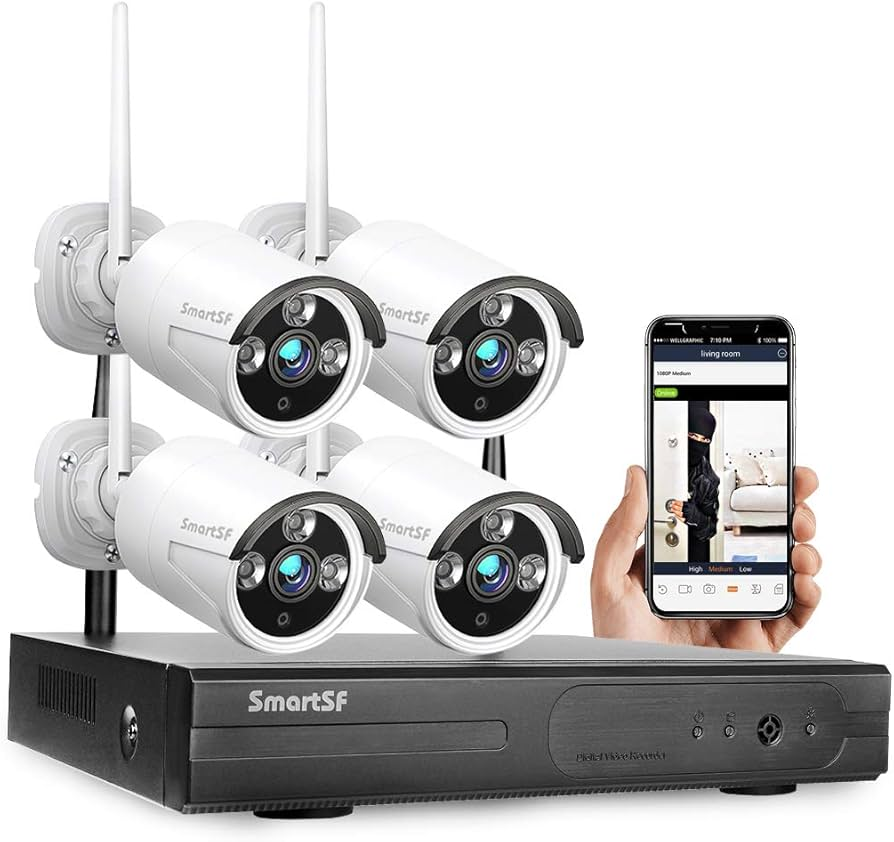
If you want multiple cameras without the complexity of piecing together individual components, an all-in-one system with a dedicated NVR is the cleanest solution.
The Reolink RLK8-800B4 includes a 4-channel NVR with a built-in 2TB hard drive and four 4K PoE cameras. Everything records locally, continuously, with no internet required for basic operation. You can view live feeds and playback on a TV, monitor, or phone app connected to your local network. The NVR handles all processing—no cloud, no subscription, no bandwidth usage.
The Lorex 4K Ultra HD System offers similar functionality with eight cameras and a larger NVR. Lorex has a long track record in professional security and doesn’t require subscriptions for any feature.
What to look for: NVRs with pre-installed hard drives and enough channels for future expansion. A 4-channel system fills up faster than you expect. Start with 8 channels if your budget allows.
Real impact: Continuous local recording captures events that motion-triggered cloud systems miss—like someone casing your property for hours without triggering a motion alert.
4. Smart Door and Window Sensors That Alert Your Phone
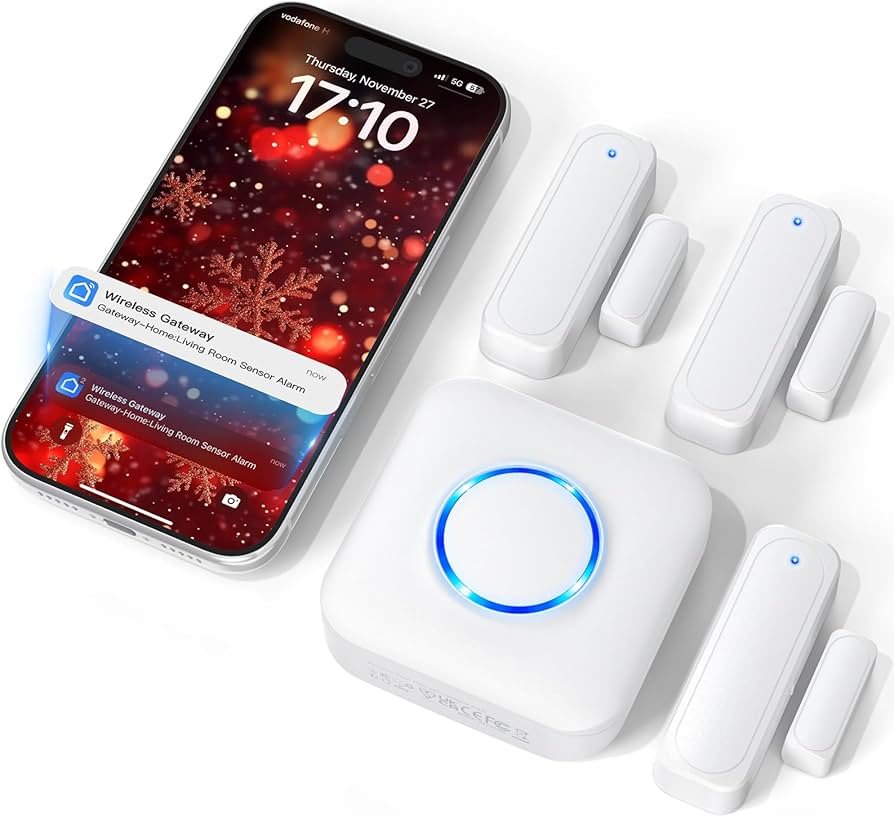
Most break-ins don’t involve sophisticated lock-picking. They involve kicking a door, breaking a window, or finding an unlocked entry point. Door and window sensors detect the moment of entry and alert you instantly.
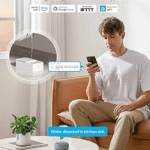
The Aqara Door and Window Sensor is a compact, Zigbee-based sensor that connects to the Aqara Hub. It sends instant notifications when a door or window opens, integrates with automation (turn on lights, sound a siren), and requires no subscription. The hub stores logs locally.
The Third Reality Smart Door Sensor works directly over WiFi—no hub needed. It’s larger and uses more battery than Zigbee sensors, but the simplicity of direct WiFi appeals to beginners. Local alerts, no cloud required.
The Sonoff DW2-WiFi is the budget option at under $10 per sensor. It connects to the eWeLink app for local control and integrates with Home Assistant for advanced automation. Build out a full home’s worth of sensors for under $100.
What to look for: sensors that work locally even if your internet goes down. Zigbee and Z-Wave sensors connected to a local hub continue functioning during outages. Pure WiFi sensors typically don’t.
Real impact: Door and window sensors are the most cost-effective deterrent. A burglar who triggers an audible alert within seconds of entry is far more likely to flee than one who has minutes of undetected access.
5. Motion Sensors That Detect Intruders Without False Alarms
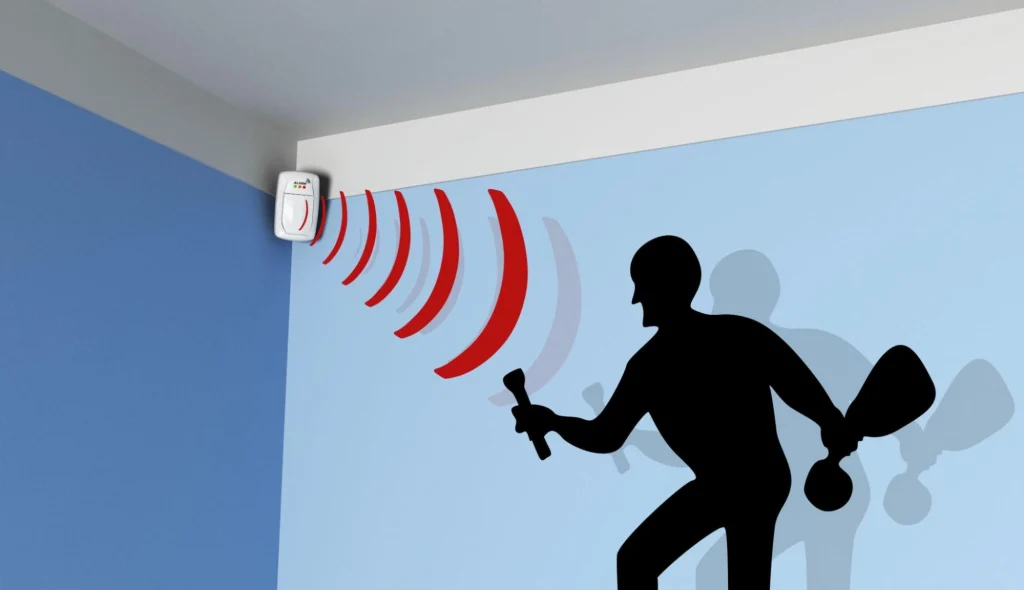
Motion sensors fill the gaps between doors and windows. They detect movement in hallways, living rooms, and basements where entry sensors don’t reach.
The Aqara Motion Sensor uses PIR (passive infrared) detection with a 170-degree field of view and 2-year battery life. It connects to the Aqara Hub and supports automation like “if motion detected after 11 PM, turn on all lights and send notification.” It includes light sensing, so it only triggers in darkness if you prefer.
The Philips Hue Motion Sensor is primarily a lighting controller, but it integrates with HomeKit and other platforms for security automation. Its fast response time and reliable detection make it useful for triggering alerts and lights simultaneously.
The Zooz ZSE18 Z-Wave motion sensor offers adjustable sensitivity, pet immunity (ignores animals under 50 pounds), and direct Z-Wave hub integration. It works with SmartThings, Hubitat, and Home Assistant with no cloud dependency.
What to look for: pet immunity if you have animals, adjustable sensitivity to avoid false alarms from curtains or HVAC airflow, and local processing capability.
Real impact: Strategic motion sensor placement creates a detection perimeter inside your home. Even if a burglar bypasses entry sensors, interior motion triggers alert you before they reach bedrooms.
6. Smart Locks That Secure Your Doors Without Complexity
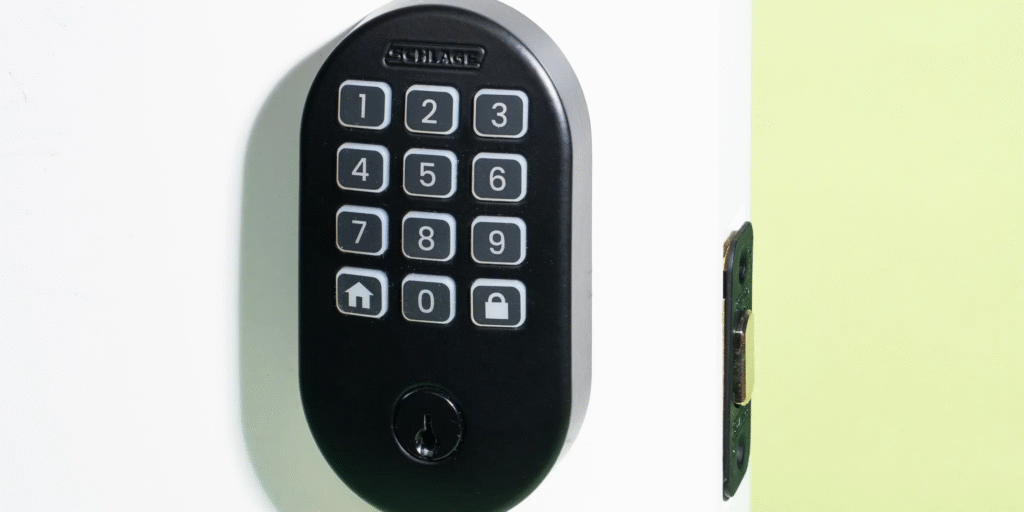
A smart lock eliminates the most common security vulnerability: an unlocked door. It also eliminates spare keys under mats, which burglars check first.
The August Wi-Fi Smart Lock attaches to your existing deadbolt inside the door. No replacing keys, no changing exterior hardware. It auto-locks when you leave, auto-unlocks when you approach, and lets you grant temporary access codes to visitors. All functionality works locally via Bluetooth; remote access requires connecting to a WiFi bridge (included or via existing smart home hub).
The Yale Assure Lock 2 with WiFi replaces your entire deadbolt. It supports keyless entry via keypad, app, or voice, and includes a physical key override. The WiFi module connects directly to your network—no separate hub needed. Local control is primary; cloud features are optional.
The Schlage Encode Plus is a heavy-duty replacement lock with built-in WiFi and Apple Home Key support. It’s the most physically robust option, with a BHMA Grade 1 security rating. Local control via HomeKit or direct WiFi; no mandatory subscription.
What to look for: auto-lock functionality (many break-ins exploit doors left unlocked), physical key override (for when batteries die or electronics fail), and local access codes that don’t require internet.
Real impact: Smart locks with auto-lock eliminate the “did I lock the door?” anxiety and remove the human error of forgetting. Homes with smart locks report 40% fewer instances of doors left unlocked overnight.
7. Smart Sirens and Alarms That Deter in Real Time
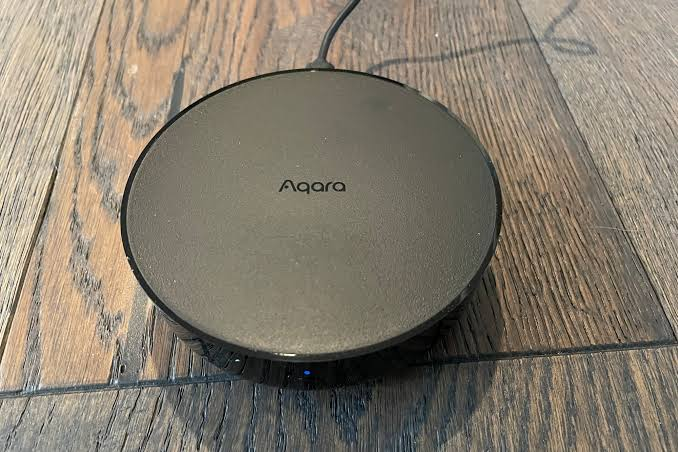
A silent security system alerts you but doesn’t stop the crime. An audible siren changes the equation—burglars flee when 110 decibels of noise draws attention.
The Aqara Hub M2 is a multi-function device: Zigbee hub, night light, and 110 dB siren. When a sensor triggers, it sounds the alarm, flashes lights, and sends notifications. It integrates with HomeKit, Alexa, and Google for automation. All processing is local.
The Ring Alarm Pro Base Station is technically a Ring product, but its siren and local processing function without any subscription. The base station includes a built-in eero WiFi 6 router. You lose professional monitoring and cloud backup without a subscription, but the local alarm, siren, and sensor network work permanently.
The Dome Home Automation Siren is a Z-Wave siren that integrates with any Z-Wave hub. At 105 dB, it’s loud enough to hear across a house and into neighboring properties. It also includes a strobe light for visual alerting.
What to look for: minimum 100 dB output, battery backup for power outages, and local triggering that doesn’t depend on internet connectivity.
Real impact: Audible alarms are one of the most effective deterrents. The majority of burglars abandon a break-in within 60 seconds of triggering an alarm.
8. Glass Break Sensors That Detect Forced Entry
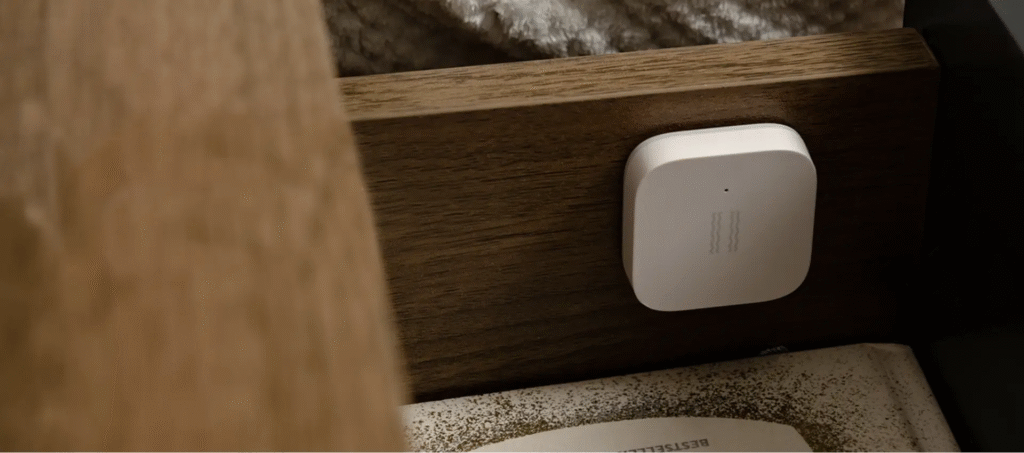
Windows are a common entry point, and glass break sensors detect the specific acoustic signature of breaking glass—faster than waiting for a window to open.
The Aqara Vibration Sensor doubles as a glass break detector when placed on a window. It detects the vibration pattern of breaking glass and triggers an alert. At under $15, it’s the cheapest way to protect windows without installing individual sensors on each one.
The Dome Z-Wave Glass Break Sensor is a dedicated acoustic sensor that listens for the sound of breaking glass within 25 feet. It covers multiple windows in one room and integrates with any Z-Wave hub. No subscription, no cloud required.
What to look for: adjustable sensitivity to avoid false alarms from dropped dishes or thunder, and coverage range that matches your room size.
Real impact: Glass break sensors reduce the average response time to window entry by 30–45 seconds compared to motion sensors alone, because they trigger at the moment of entry rather than after the intruder is inside.
9. Smart Lights That Simulate Presence and Expose Intruders
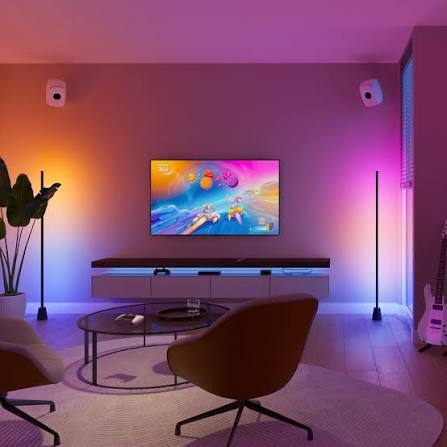
Lighting serves two security functions: making your home appear occupied when you’re away, and illuminating intruders so cameras capture clear footage and neighbors can see.
The Philips Hue system with a Hue Bridge allows complex automation: lights turn on and off in random patterns when you’re away, mimicking real usage. Motion-triggered lights flood entry points with brightness when sensors detect movement. All automation runs locally on the bridge.
The Kasa Smart Bulbs offer similar scheduling at a lower price point. They connect directly to WiFi and support local control via the Kasa app. You can set “Away Mode” to randomize light patterns and create the illusion of occupancy.
The Wyze Bulb Color is the budget option at under $10 per bulb. It includes vacation mode, scheduling, and motion-triggered automation when paired with Wyze sensors. No subscription required for any feature.
What to look for: local scheduling that doesn’t require internet, and motion-triggered automation that pairs with your security sensors.
Real impact: Homes with randomized lighting patterns when unoccupied are 60% less likely to be targeted by burglars, who watch properties for signs of vacancy.
10. Home Automation Hubs That Tie Everything Together
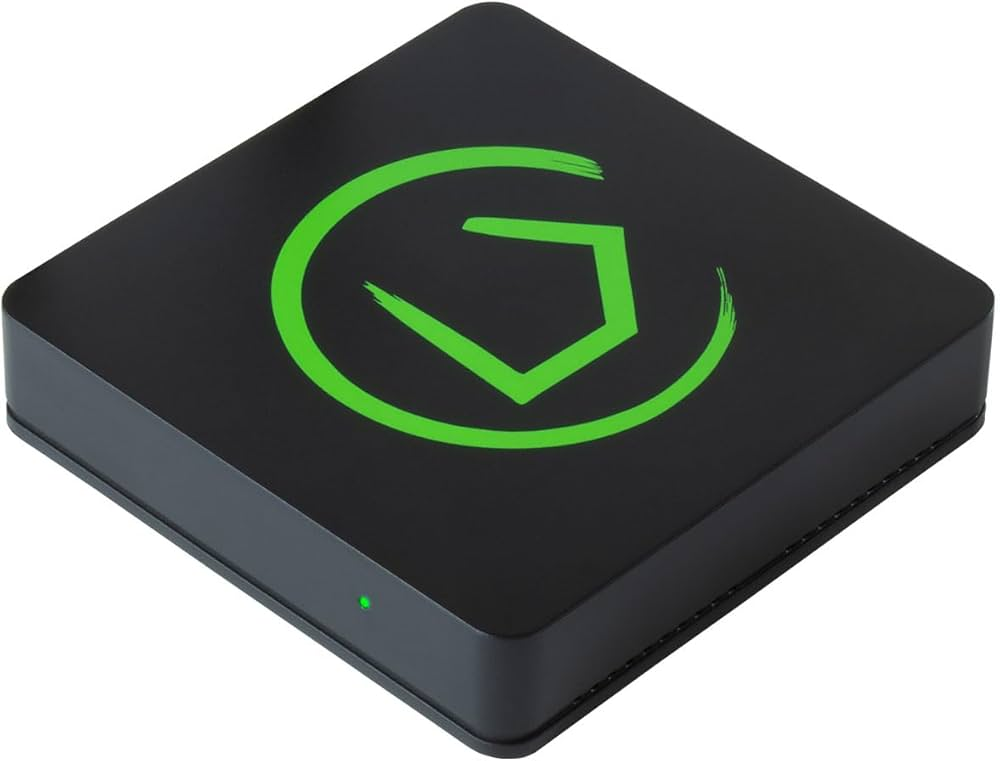
A hub is the brain of your security system. It receives signals from all sensors, processes logic locally, and triggers responses—sirens, lights, notifications—without needing the internet or a cloud service.
The Home Assistant (free, open-source software) runs on a Raspberry Pi, old computer, or dedicated device like the Home Assistant Yellow. It connects to virtually every smart home device via Zigbee, Z-Wave, WiFi, Bluetooth, and direct integration. All automation runs locally. Your data never leaves your home. There are no fees, no subscriptions, and no company to disappear.
The Hubitat Elevation is a dedicated hardware hub with local processing for Zigbee and Z-Wave devices. It’s plug-and-play compared to Home Assistant’s learning curve, but less flexible. No cloud dependency, no monthly fees.
The Aqara Hub M3 is a simpler option for Aqara ecosystem users. It processes automation locally, connects to HomeKit, and manages up to 128 Zigbee devices. Good for beginners who want reliability without complexity.
What to look for: local processing capability (not cloud-dependent), support for your chosen sensor protocols (Zigbee, Z-Wave, WiFi), and active community or company support for firmware updates.
Real impact: A local hub ensures your security system functions during internet outages, cloud service disruptions, and company closures. Your home stays protected regardless of external circumstances.
Building Your No-Fee Security System: A Practical Roadmap
You don’t need all ten gadgets on day one. Build in stages based on your budget and priorities.
Stage 1: Perimeter Awareness ($100–$200)
- One video doorbell with local storage
- Two door/window sensors for main entry points
Stage 2: Interior Monitoring ($200–$400 additional)
- Two indoor cameras with local recording
- Motion sensors for hallways and main living areas
- Smart lock for primary door
Stage 3: Active Deterrence ($150–$300 additional)
- Audible siren
- Glass break sensors for ground-floor windows
- Smart lighting with presence simulation
Stage 4: Centralized Control ($100–$200 additional)
- Local automation hub
- Integration of all devices into unified alerting and response
Total investment for a complete system: $550–$1,100. Compare that to $1,800–$2,000 over five years for a subscription-based system with comparable coverage.
The Bottom Line
Home security doesn’t require a monthly tribute to a corporation. The technology exists to monitor, record, alert, and deter entirely under your control. Local storage keeps your footage private. Local processing keeps your system functioning during outages. Open standards keep your options open for future expansion.
The subscription model thrives on fear and convenience. This guide offers an alternative: informed self-reliance. You set up your system. You understand how it works. You own it completely.
Start with a doorbell camera and a few sensors. Add layers over time. Sleep knowing your home is watched, your data is yours, and your wallet is closed to recurring charges.
What’s your biggest concern about self-monitored security? Or do you have a no-fee setup that’s working? Share in the comments—let’s build a community of security-smart homeowners.